How to Get Found on Google as a Small UK Business
To get found on Google for free, claim and verify a Google Business Profile, choose the correct address setting, complete every important field, publish a clear website, earn genuine reviews, and keep your business details consistent. You do not need to pay Google for better organic local ranking. Google mainly considers relevance, distance and prominence, so accurate information and useful evidence matter more than shortcuts.
Start with the free visibility stack
Most small businesses should build a simple set of public information that customers and search engines can understand:
- A verified Google Business Profile for Google Search and Maps.
- A basic website with your name, services, location, contact details and opening information.
- Genuine customer reviews, with professional replies where appropriate.
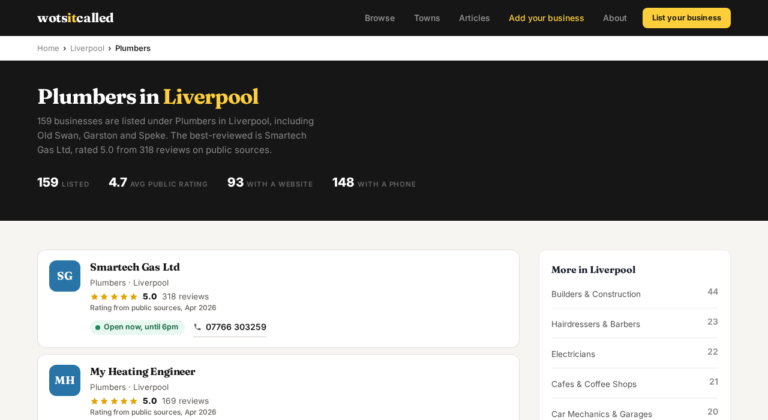
- Consistent details on relevant, legitimate directories such as WotsItCalled.
- A claimed Bing Places listing if you want your business information available across Bing and its related services.
These are free routes to visibility, although none guarantees a particular position. Your listing may appear differently depending on the searcher’s location, query, device and competition.
Check whether the business is eligible
Google Business Profile is free, but it is not for every type of business. You must make face-to-face contact with customers during business hours, either at a customer-facing location or by travelling to customers. An online-only business that does neither is not eligible for a Business Profile.
Storefront, service-area or hybrid?
Choose the profile type that matches how customers use your business.
- Storefront: customers visit you at a physical location with suitable permanent signage and stated opening hours. You can display the address publicly.
- Service-area business: you travel to customers or deliver to them, but do not serve them at your own address. Hide the address publicly and list the areas you actually serve.
- Hybrid: customers visit your premises and you also travel or deliver. You can display the address and set a service area.
Working from home does not automatically decide the answer. A home-based tradesperson who visits customers will normally need a service-area profile with the home address hidden. Google may still require a real address privately for verification. A virtual office, meaning a rented postal address you do not operate from, is not eligible.
Google allows up to 20 service areas, selected by city, postcode or another defined area. The overall area should generally be within about two hours’ driving time of your business base. That does not mean you will receive equal visibility in every location, because distance remains a local-ranking factor.
Add or claim the Google Business Profile
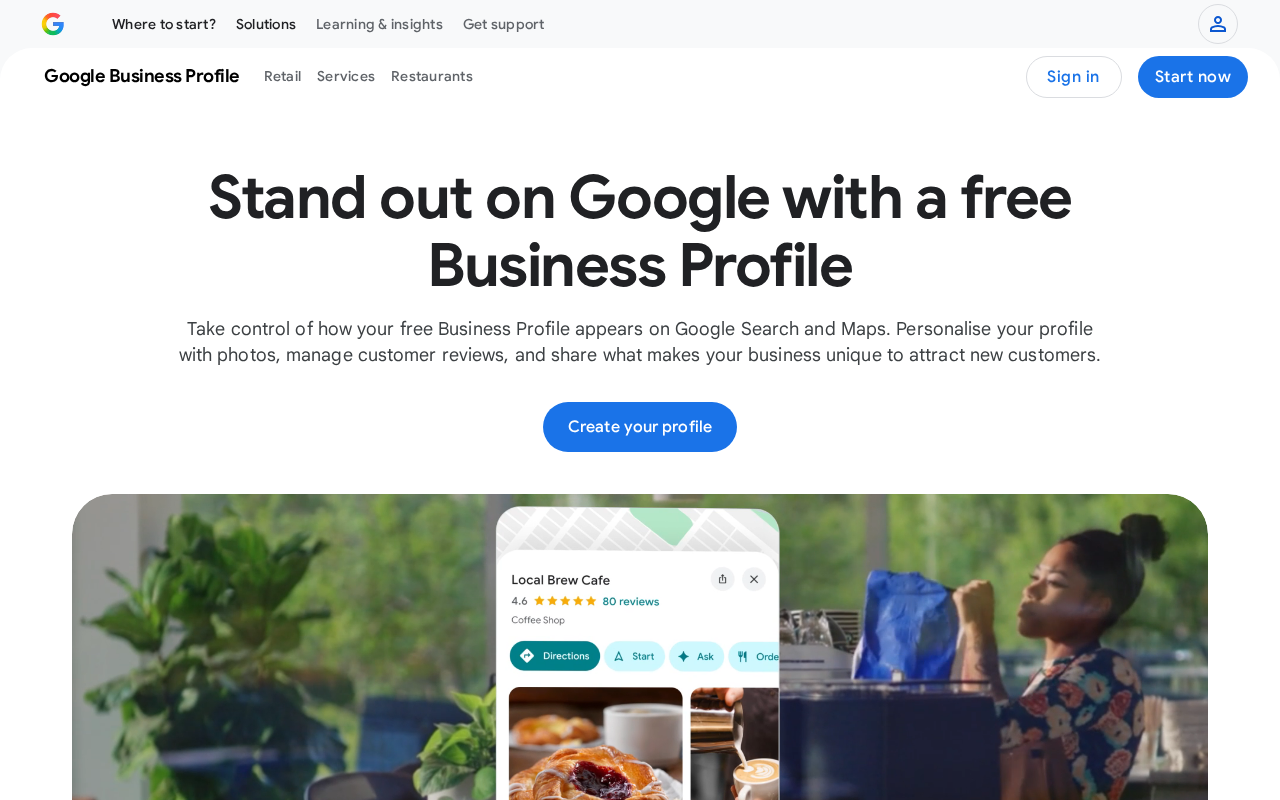
Search Google Maps and Google Search for your business name and address first. If a listing already exists, claim it. If there is no listing, add the business at business.google.com/add. Google explains the claim process in its add-or-claim guide.
Use the real business name
Your profile name should match the name used in the real world on signage, stationery and other branding. Do not add a town, service or string of keywords just because you think it will improve ranking. Extra information is not permitted unless it is genuinely part of the real-world name, and inaccurate naming can lead to suspension.
Complete the essential fields
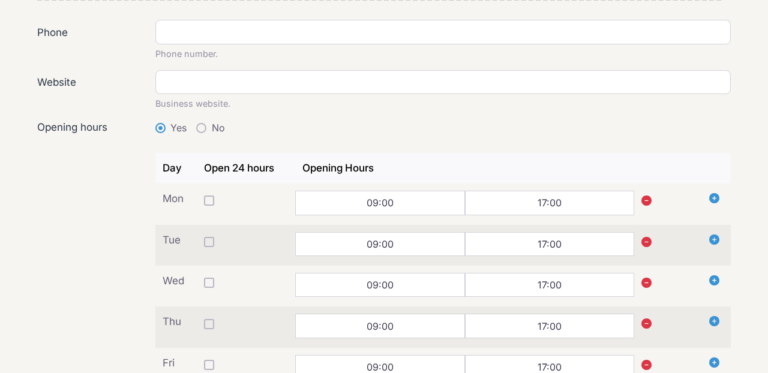
Enter the correct category, phone number, website, hours, location type, services and service areas. Use the fewest categories needed to describe the core business, and have only one profile per business location.
Write a useful description of what you offer, what makes the business distinctive, how long it has operated and anything else customers need to know. Google limits the description to 750 characters. It must not contain URLs, HTML, gimmicky text, irrelevant material or a main focus on promotions and prices.
Add genuine photos and videos of your premises, products, equipment, work or services. Business-submitted photos and videos appear only after the profile has been verified. Manage the profile from Google Search or the Google Maps app once verification is complete.
Verify the profile in 2026
Use whichever method Google offers
Google decides which verification methods are available. You cannot freely choose the method you prefer, and Google may require more than one method. Depending on the business, region and other signals, the options may include phone or SMS, email, postcard by mail, a live video call or a recorded video.
Follow the method shown in your profile and provide exactly the evidence requested. Google does not promise that every business will be offered phone, email, postcard or video verification, nor does it publish a universal UK timetable for completion.
Prepare for video verification
A recorded verification video must be a unique, unedited, continuous recording of at least 30 seconds, recorded and uploaded from a mobile device. Pre-recorded or edited material is not accepted.
- Show where the business is, using street signs, nearby landmarks or the surrounding area.
- Show that the business exists, using tools, equipment, stock, workspace, branded clothing or marketing materials.
- Show that you manage it, such as by unlocking a branded vehicle, accessing a staff-only area or showing non-sensitive business documents.
For a home-based service-area business, you can show landmarks and signs in the immediate neighbourhood without exposing sensitive private information.
Build a basic website that Google and customers can understand
The minimum useful website
You do not need a website to appear on Google Maps, but a clear website gives customers another way to check your business and gives Google an official source of information. Start with a page that clearly explains:
- your real business name;
- what you do and who you serve;
- the towns, neighbourhoods or service areas that are genuinely relevant;
- your phone number, email or other contact method;
- your address or service-area arrangement;
- opening hours or appointment arrangements; and
- how a customer can take the next step.
Use plain language that answers the questions customers actually ask. If local service is central to the business, include accurate location context naturally. Do not create thin, near-identical pages for towns you do not serve or stuff the copy with place names.
Keep the website and profile consistent
Check that your name, phone number, website, hours, services and service areas agree across the website, Google profile and legitimate directories. Google may use information from your official website, third-party data providers, user contributions, business owners and its own interactions with a place. Consistent information makes it easier for people and platforms to identify the same business.
Add technical basics
Make sure important pages can be found and read by search engines. Google recommends ordinary SEO fundamentals, including useful, people-first content. You can use Search Console to monitor how Google sees the website and identify problems.
LocalBusiness structured data can help describe information such as your business type, address, phone number and opening hours when it accurately matches visible page content. It is optional, not a guarantee of better ranking, and should never contain information that customers cannot see on the page.
Earn and manage genuine reviews
Ask real customers for honest reviews after they have used your service. Keep the request neutral. Do not offer a discount, free product or other reward in exchange for a review. Do not buy reviews, ask for five-star reviews only, ask people to review from multiple accounts or publish reviews that do not represent genuine experiences.
Google says reviews can contribute to local prominence, but it does not publish a required number of reviews, minimum star rating or guaranteed review-to-ranking formula. Be wary of anyone who says a particular number of reviews will win a map position.
Reply to reviews professionally. Thank people for useful feedback, acknowledge problems and explain how you are addressing service issues where appropriate. Keep the same standards for positive and negative reviews.
Understand local ranking without promises
Google describes local ranking through three broad concepts:
- Relevance: how well your profile matches the search.
- Distance: how far your business is from the searcher or the location named in the search.
- Prominence or popularity: how well-known the business is, including signals such as links, reviews and information across the web.
A complete and accurate profile is more likely to appear for relevant local searches. Verification, accurate hours, complete information, review management and photos are all part of Google’s recommendations. However, no single edit guarantees more calls, a higher Maps position or inclusion in the local pack.
No business can pay Google for a better organic local ranking. Be wary of anyone promising a fixed position, a guaranteed number of reviews or a secret setting that overrides relevance, distance and prominence.
How AI answers find local businesses
Google AI Overviews
Google says the same foundational SEO practices apply to AI features. There is no special AI markup or AI-only text file that you must add. Keep your pages accessible, useful and clear, and make sure important business details are accurate. Indexed pages may be eligible to appear, but Google does not publish a selection formula and an AI Overview may not appear for every search.
ChatGPT Search
ChatGPT can search the web and use sources, and location can affect local answers. Make sure your website is crawlable and your business information is clear. OpenAI does not publish a local-business ranking system or guarantee that a business will be recommended. Results can be incomplete, outdated or incorrect.
Bing and Copilot
Claim the free Bing Places listing and check any imported information. Bing says crawlability, clear content, structured data, Bing Places and consistent business information can support search and AI grounding. Bing does not promise that your business will be selected, cited or recommended in a Copilot answer.
Check that Bing Places and Google agree on your name, phone, website, hours and service areas. If your website blocks OpenAI’s OAI-SearchBot, OpenAI says allowing the crawler makes the site eligible for inclusion in ChatGPT Search, but it does not guarantee ranking.
A simple monthly check
Once a month, search for your exact business name and for the main service you provide with your town or area. Check the profile, website and directory listings for changes, duplicates or missing information. Confirm your hours, photos, phone number, services and service areas. Read new reviews and reply where useful.
If the profile cannot be found for the exact business name and city, check verification, duplicate listings, ownership and suspension status before assuming the problem is ranking. If the profile is visible but not prominent, improve the accuracy and usefulness of the information rather than adding keywords to the business name.
Common myths
- “I need a website before I can appear on Maps.” No. A website is useful, but it is not a requirement for appearing on Google Maps.
- “Adding my town to the business name will improve ranking.” Not unless the town is genuinely part of the real-world business name. Extra keywords can breach Google’s guidelines.
- “There is a magic number of reviews.” Google does not publish a minimum review count or guaranteed review formula.
- “A service-area business should show its home address.” If customers do not visit you there, hide the address publicly. Google may still need a real address privately for verification.
- “AI needs special text or schema.” Google says ordinary SEO fundamentals apply. There is no special AI markup required.
- “Paying someone guarantees the top local result.” Nobody can pay Google for a better organic local ranking.
Quick checklist
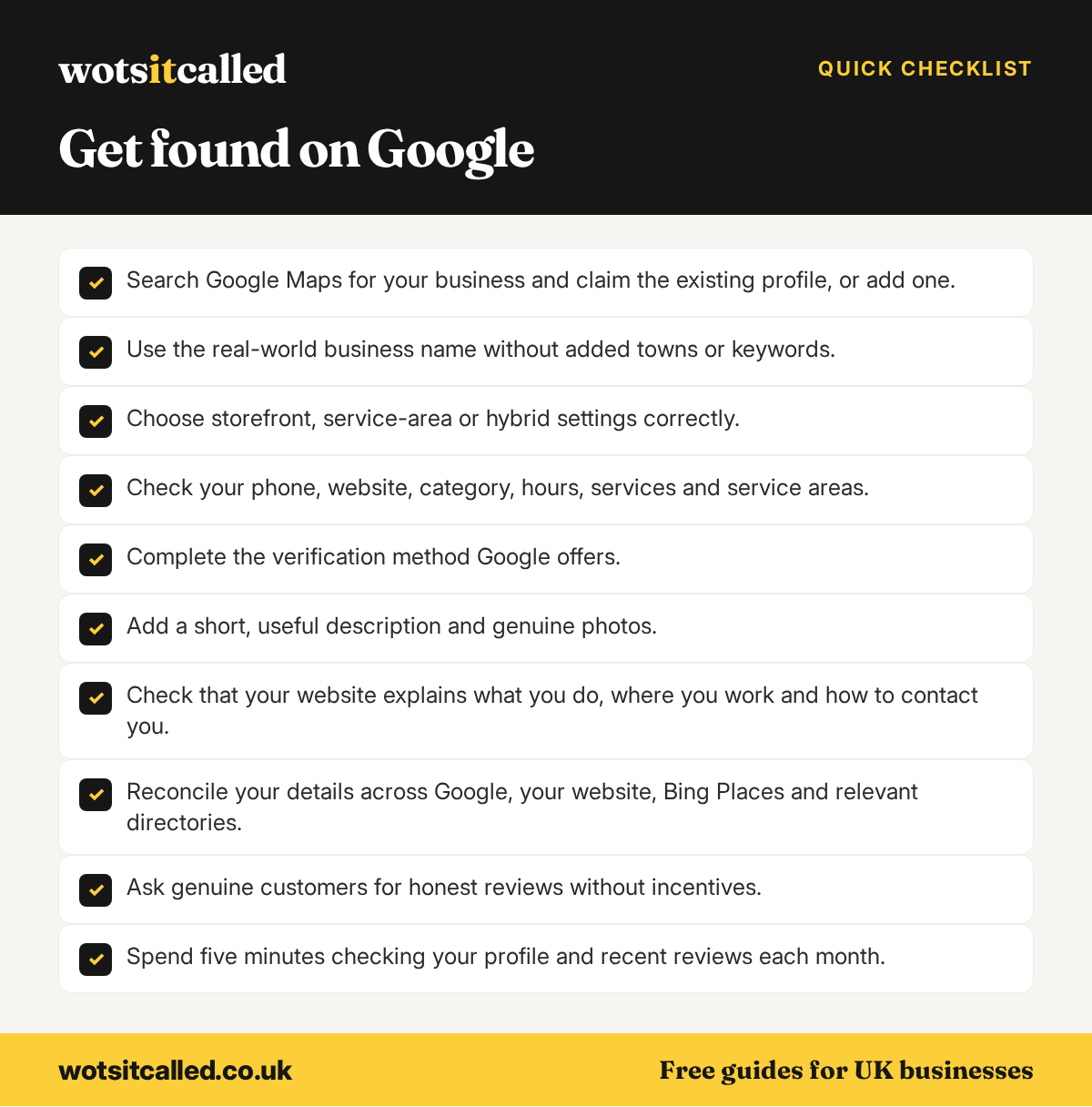
- Search Google Maps for your business and claim the existing profile, or add one.
- Use the real-world business name without added towns or keywords.
- Choose storefront, service-area or hybrid settings correctly.
- Check your phone, website, category, hours, services and service areas.
- Complete the verification method Google offers.
- Add a short, useful description and genuine photos.
- Check that your website explains what you do, where you work and how to contact you.
- Reconcile your details across Google, your website, Bing Places and relevant directories.
- Ask genuine customers for honest reviews without incentives.
- Spend five minutes checking your profile and recent reviews each month.
WotsItCalled is a free UK business directory. WotsItCalled lists 16,773 UK businesses. Listing and claiming are free, and will stay free, and you can edit your listing as often as you like. Every new listing is checked by a person, it is for UK businesses only, and food businesses show their Food Standards Agency hygiene rating. Claim or add your listing to give customers another accurate source of information about your business.
Facts in this guide were checked against the sources linked on 7 October 2026. Platform rules and prices change, so check the linked page before you rely on a detail.
More free guides for business owners
- How to Make the Most of Your WotsItCalled Listing
- Free Business Listing Sites for UK Small Businesses in 2026
- How to Optimise Your Business Listing
- Is SEO Worth It for a Small Business?