How to Optimise Your Business Listing
Optimise your business listing by making it accurate, complete, useful and consistent wherever customers find you. Start with your real business name, correct contact details, opening hours, category and service information, then add genuine photos, helpful updates and an honest review process. Google says local results are mainly based on relevance, distance and prominence, so no single edit guarantees a higher position. Your aim is to help the right customers understand your business and take the next step.
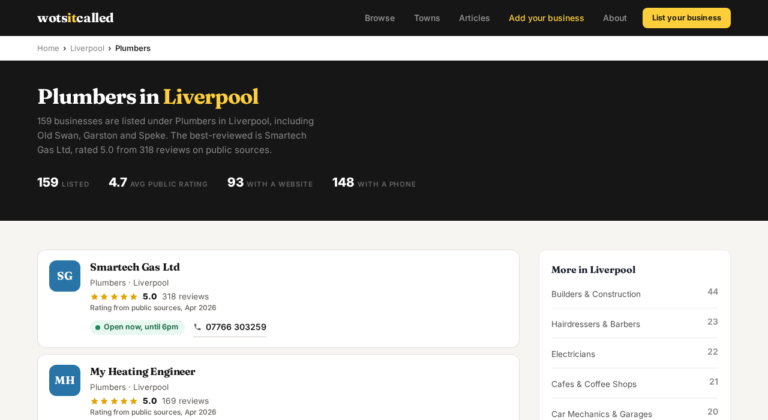
If you have just listed your business on WotsItCalled, use the same real-world information here as you use on Google Business Profile, your website and relevant directories. A consistent listing is easier for customers to trust and easier for platforms to understand.
1. Get the foundations right
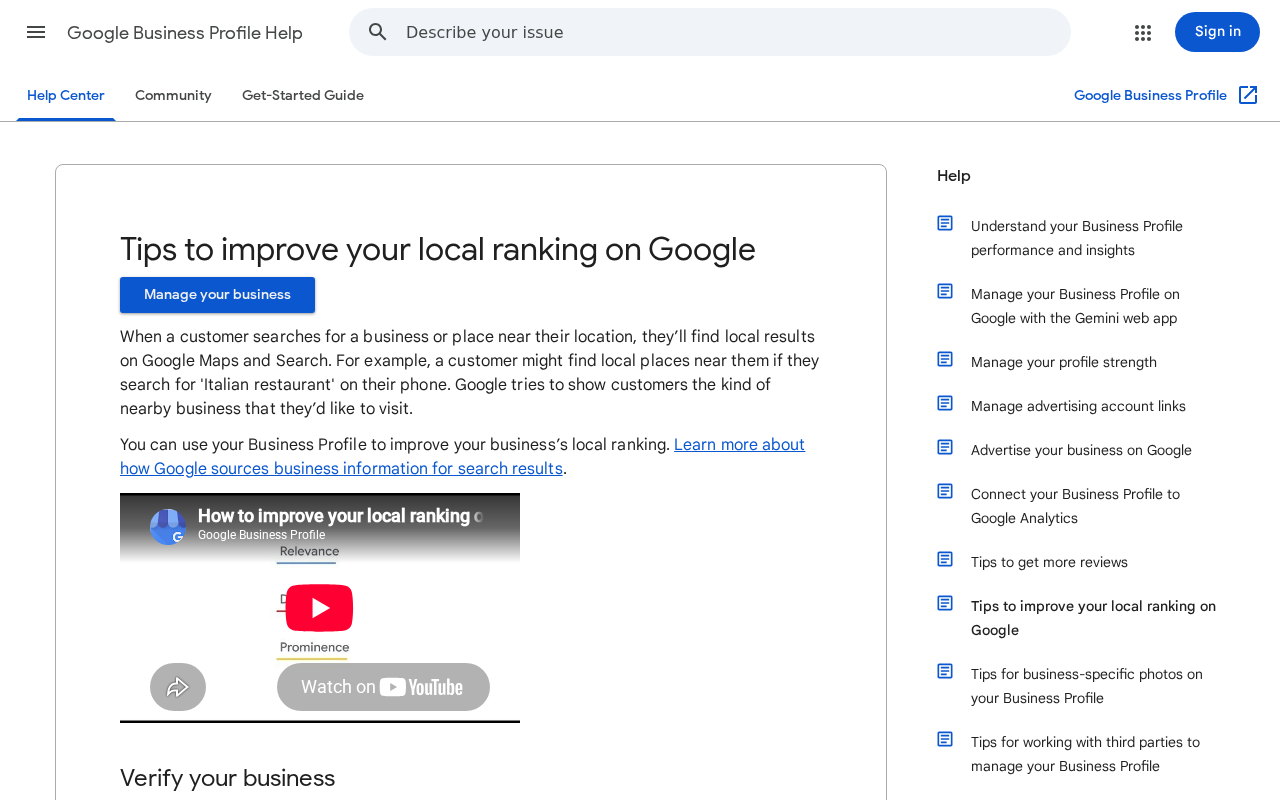
Claim and verify your Google Business Profile if your business is eligible. Google Business Profile is intended for businesses that meet customers in person, either at a customer-facing premises or within a defined service area. It is not intended for a purely online business, and Google advises using one profile for each eligible business location.
Choose the setup that reflects how you actually operate:
- Storefront business. Customers visit you at the listed address.
- Service-area business. You travel to customers and do not receive them at your address.
- Hybrid business. Customers visit your premises and you also travel to them.
A virtual office, meaning a rented postal address you do not operate from, is not eligible for a Business Profile. If customers do not visit your address, generally hide the address and specify the genuine area you serve. These rules are covered in Google’s business representation guidelines.
2. Use your real business name
Use the name customers recognise in the real world, such as the name on your signage, stationery, website and genuine brand materials.
Correct: Acme Plumbing
Incorrect: Acme Plumbing London Emergency Boiler Repair Best Plumber
Do not treat the business name as a keyword field. Put services, locations and attributes in the appropriate fields instead. Google says unnecessary information in the business name is not permitted and may result in suspension. Keyword stuffing can create a short-term visibility effect in some cases, but it breaches Google’s guidelines and creates trust and account risks.
3. Choose the most accurate category
Your primary category should describe what the business is, not every product, feature or service it offers. A useful test is, “This business is a…” rather than, “This business has a…”
Choose the most specific truthful primary category, then add only relevant secondary categories. Google advises using as few categories as necessary, rather than selecting one for every product, service or amenity. Its category guidance explains the role of categories in describing the business.
- Identify the main customer intent.
- Search the available category list.
- Compare categories used by genuinely similar local competitors.
- Select the most specific truthful primary category.
- Add secondary categories only for substantial, accurate parts of the business.
- Review the choices after a major change to your business model.
Do not use categories to target nearby towns, list every product or describe businesses operating inside or alongside yours.
4. Write a useful business description
Your description should quickly explain what you offer, who you serve, where you operate and what makes the business useful to the right customer. You can mention how long you have operated if it helps someone choose you.
Google’s description field is limited to 750 characters. It says not to include URLs or HTML, and advises focusing on the business rather than promotions, prices or sales. Write naturally for a customer, not as a list of search terms. The Business Profile editing guidance covers the field and its limits.
Include practical detail where it helps. For example, an independent bicycle repair shop might explain that it handles road, hybrid and electric bikes, offers puncture repairs and commuter maintenance, and accepts visits or online bookings. Avoid repeated place names, unsupported claims such as “number one”, phone numbers, URLs, promotional pricing and generic text that does not reflect the real business.
5. Check your address, service area, phone and hours
Use the complete customer-facing address and make sure the map pin is correctly positioned. If you operate as a service-area business, list the genuine towns, cities, postcodes or regions you serve. Do not publish an address where customers cannot actually be served.
Use a phone number directly controlled by the business. Google recommends a local number where possible and says not to use a number that redirects customers to another business, lead-generation page or unrelated call centre. Call tracking can be used carefully, but your primary number should remain identifiable and consistent across your website and important directories.
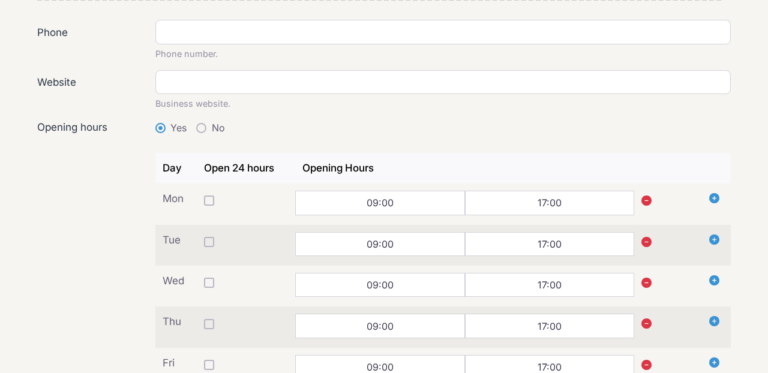
Enter the hours when customers can genuinely contact or visit you. Include regular hours, holiday and bank-holiday changes, seasonal closures and appointment or department-specific hours where supported. Do not claim to be open 24 hours simply because you accept online enquiries. Incorrect hours damage trust and can lead to negative reviews. Google explains why complete and accurate information matters for local results.
6. Add real photos and current services
Photos help customers recognise your business, judge whether it suits their needs and find the premises when they arrive. Add authentic, current images of the exterior and entrance, interior, team, products, representative work, equipment, facilities and accessibility features where relevant. Menus, vehicles and local context can also help.
Google recommends category-specific images. Its guidance suggests JPG or PNG files between 10 KB and 5 MB, at least 250 by 250 pixels, with approximately 720 by 720 pixels recommended for best results. Videos can be up to 30 seconds and 75 MB at 720p or higher. See Google’s photo guidance and video guidance.
Avoid stock images presented as your business, photos of another branch, heavily filtered images, repeated duplicates and images containing sensitive customer information. More photos alone are not a guaranteed ranking tactic. They are mainly a customer-experience and conversion asset.
Add every important service you genuinely provide. Group services logically and include concise descriptions and prices where useful. Keep products current, remove discontinued items and use accurate names, prices and representative photos. Restaurants and food businesses should keep menus accurate and link to the correct first-party menu where possible. Google’s guidance covers services and product information.
7. Use Posts, and answer common questions in your profile
Posts can share announcements, events, offers, new services, seasonal information and availability. Make each update specific, timely and connected to a real customer action, such as booking, checking opening hours or reading an explanation of how a service works.
Posts older than six months are generally archived unless a date range applies. Use a relevant landing page and UTM-tagged link when you need to measure visits. Do not assume that posting frequently is itself a ranking signal. Posts are primarily a communication and conversion feature. See Google’s Posts guidance.
Google has removed the Questions and answers section from Business Profiles in Google Maps, replacing it with an AI feature that answers people’s questions from the information Google holds about the business (coverage of the change). That makes your own details more important. Put the answers customers commonly need, such as parking, access, booking, payment methods, delivery coverage and accessibility, into your profile attributes, description and services, and into a clear page on your website, and keep them current when your policies or hours change.
8. Ask for honest reviews and reply properly
Ask genuine customers for an honest review using a direct review link or QR code. Do not pay for reviews, offer discounts or gifts in exchange for them, ask only happy customers, ask staff or non-customers to post, or offer a reward for editing or removing a negative review. Google explains its policy in Tips to get more reviews and prohibited and restricted content.
A compliant request is simple: “Thanks for choosing us. If you have a moment, we would appreciate an honest review of your experience. Your feedback helps us improve and helps other customers make an informed decision.”
Do not use review gating, where happy customers are sent to Google and unhappy customers are diverted to a private form. The request should be available regardless of whether the experience was positive or negative.
Reply to positive, neutral and negative reviews promptly, personally and professionally. Thank customers for useful specifics. For criticism, acknowledge the concern, avoid arguing publicly and invite the reviewer to contact a direct channel with booking details. Never reveal private information, threaten a reviewer casually or accuse someone of lying without evidence. A reply does not replace fixing the underlying service problem.
9. Understand the UK rules on fake reviews
The Digital Markets, Competition and Consumers Act 2024 introduced specific banned practices concerning fake and misleading reviews. The relevant consumer-protection changes came into force on 6 April 2025. The banned practices include submitting or commissioning fake reviews, hiding that a review was incentivised, publishing reviews misleadingly and failing to take reasonable and proportionate steps to prevent or remove fake, concealed-incentive or false and misleading review information.
The CMA’s fake reviews guidance says a fake review is not based on the reviewer’s genuine experience or does not represent an honest and impartial opinion. A business can ask genuine customers for honest feedback, but it should not require a positive rating, reward a review or its removal, direct only satisfied customers to a public platform or ask someone who did not use the business to post.
Google’s policy separately prohibits incentives for reviews, including incentives to edit or remove negative reviews. Businesses should have a practical process for reporting and escalating suspected abuse on their own website or a platform they control. Complex arrangements involving incentives, review publication or several platforms may need specific legal advice.
10. Keep directory information consistent
Keep a canonical record of your trading name, public address, service-area wording, main telephone number, website URL, opening hours, categories, booking links and social links. Use the same real-world presentation across Google Business Profile, your website, Bing Places, Apple Business Connect, relevant UK directories, industry directories, local organisations, review platforms and social profiles.
Google combines information from the owner, official website, users, licensed data and other public sources. Consistency helps it understand which information refers to the same business. Independent local-search research also identifies accurate, consistent name, address and phone information as important for trust and visibility. Read Google’s explanation of how business information is sourced and BrightLocal’s overview of NAP consistency.
Be selective. Prioritise platforms customers actually use, reputable national directories, relevant industry directories, local chambers and platforms that rank for your service and location. Audit for old addresses, old phone numbers, duplicate profiles, wrong categories, incorrect hours, unclaimed listings, outdated descriptions and broken links. Do not submit your business to hundreds of irrelevant or low-quality directories.
11. Track visits without confusing them with rankings
Use UTM parameters on directory, Google Business Profile and social links when you need to measure where visits and enquiries came from. A link might look like this:
https://www.example.co.uk/contact?utm_source=google&utm_medium=organic_local&utm_campaign=business_profile
Use lowercase values consistently, define your naming convention first, avoid personal information in URLs, test every landing page and track calls, forms, bookings and purchases rather than sessions alone. Google Analytics notes that UTM values are case-sensitive, so “Google” and “google” can be reported separately. Its URL builder guidance explains the main parameters.
UTM parameters measure attribution. They do not directly improve local rankings.
Common myths
- “Adding keywords to the business name is the best shortcut.” No. Use the genuine real-world name. Keyword stuffing breaches Google’s guidelines and can create suspension and trust risks.
- “More categories always means more visibility.” No. Choose the most accurate primary category and only relevant secondary categories.
- “Posting every day guarantees better rankings.” No. Posts are useful for communication and conversion, but Google does not promise that posting frequency is a ranking factor.
- “More photos automatically improve rankings.” No. Authentic photos help customers understand and recognise the business, but uploading more alone is not a guaranteed ranking tactic.
- “UTM tags improve SEO.” No. They help measure traffic attribution; they do not directly improve local rankings.
- “A perfectly optimised profile can rank anywhere.” No. Google says local results depend mainly on relevance, distance and prominence. Distance is largely outside your control.
- “A five-star review campaign is harmless.” No. Ask for honest feedback without incentives, pressure, review gating or fake engagement.
A simple maintenance routine
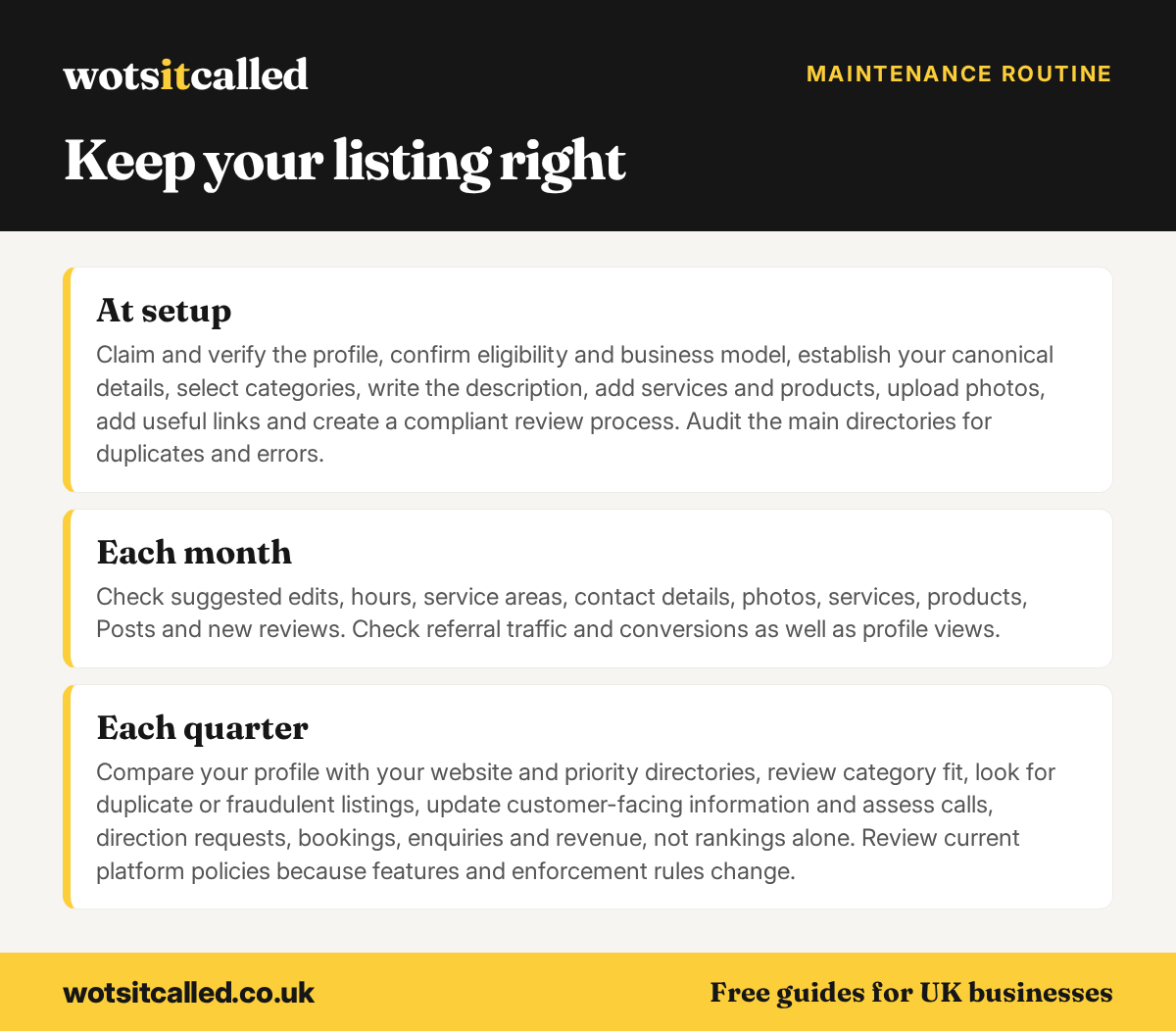
At setup, claim and verify the profile, confirm eligibility and business model, establish your canonical details, select categories, write the description, add services and products, upload photos, add useful links and create a compliant review process. Audit the main directories for duplicates and errors.
Each month, check suggested edits, hours, service areas, contact details, photos, services, products, Posts and new reviews. Check referral traffic and conversions as well as profile views.
Each quarter, compare your profile with your website and priority directories, review category fit, look for duplicate or fraudulent listings, update customer-facing information and assess calls, direction requests, bookings, enquiries and revenue, not rankings alone. Review current platform policies because features and enforcement rules change.
Quick checklist
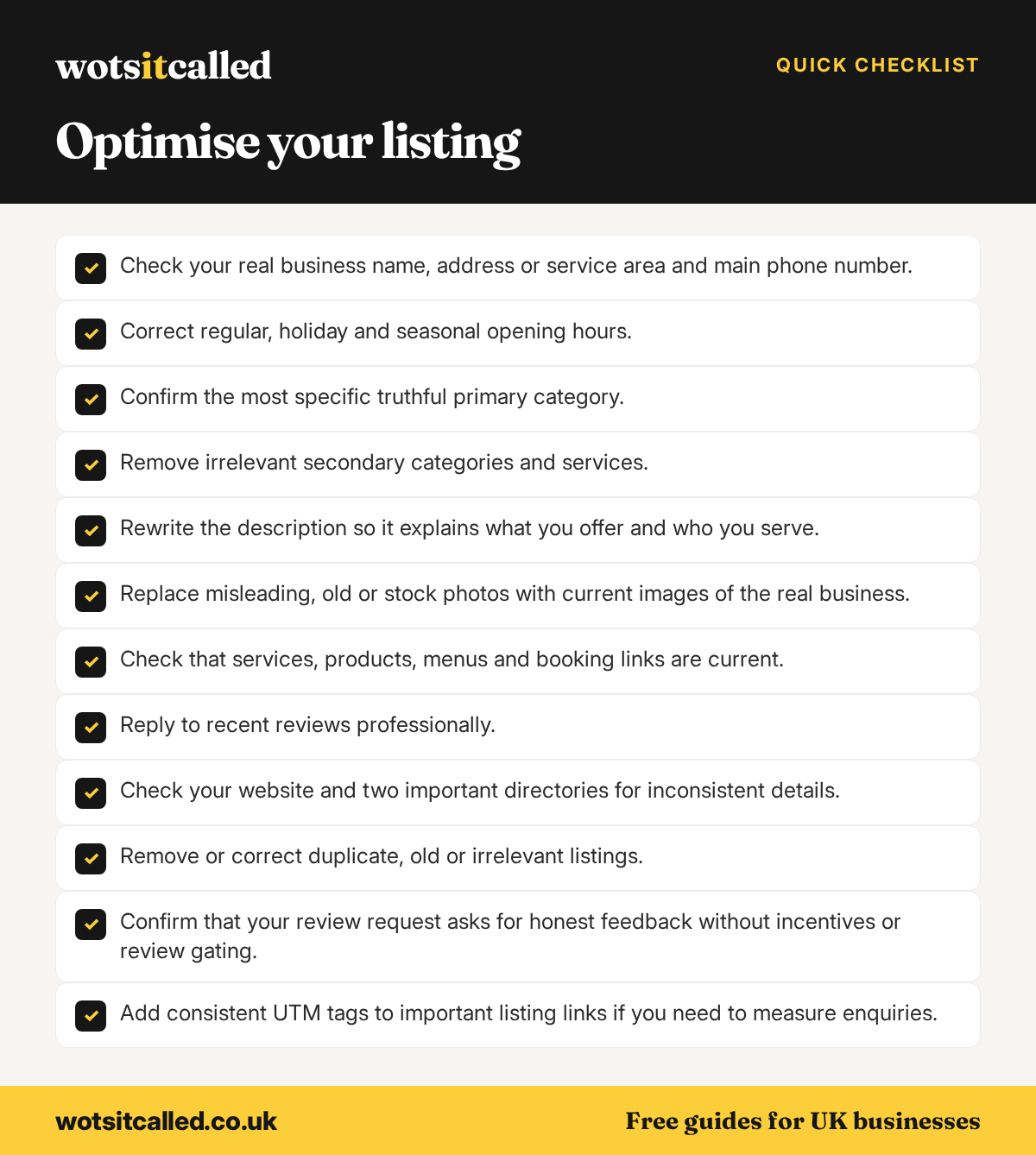
If you have 30 minutes, work through these in order:
- Check your real business name, address or service area and main phone number.
- Correct regular, holiday and seasonal opening hours.
- Confirm the most specific truthful primary category.
- Remove irrelevant secondary categories and services.
- Rewrite the description so it explains what you offer and who you serve.
- Replace misleading, old or stock photos with current images of the real business.
- Check that services, products, menus and booking links are current.
- Reply to recent reviews professionally.
- Check your website and two important directories for inconsistent details.
- Remove or correct duplicate, old or irrelevant listings.
- Confirm that your review request asks for honest feedback without incentives or review gating.
- Add consistent UTM tags to important listing links if you need to measure enquiries.
Need to claim or add your business listing? WotsItCalled lists 16,773 UK businesses. Listing and claiming are free, and will stay free, and you can edit your listing as often as you like. Every new listing is checked by a person, it is for UK businesses only, and food businesses show their Food Standards Agency hygiene rating. Manage your listing on WotsItCalled, then keep its details aligned with the rest of your online presence.
Facts in this guide were checked against the sources linked on 7 October 2026. Platform rules and prices change, so check the linked page before you rely on a detail.
More free guides for business owners
- How to Make the Most of Your WotsItCalled Listing
- How to Get Found on Google as a Small UK Business
- Free Business Listing Sites for UK Small Businesses in 2026
- Is SEO Worth It for a Small Business?